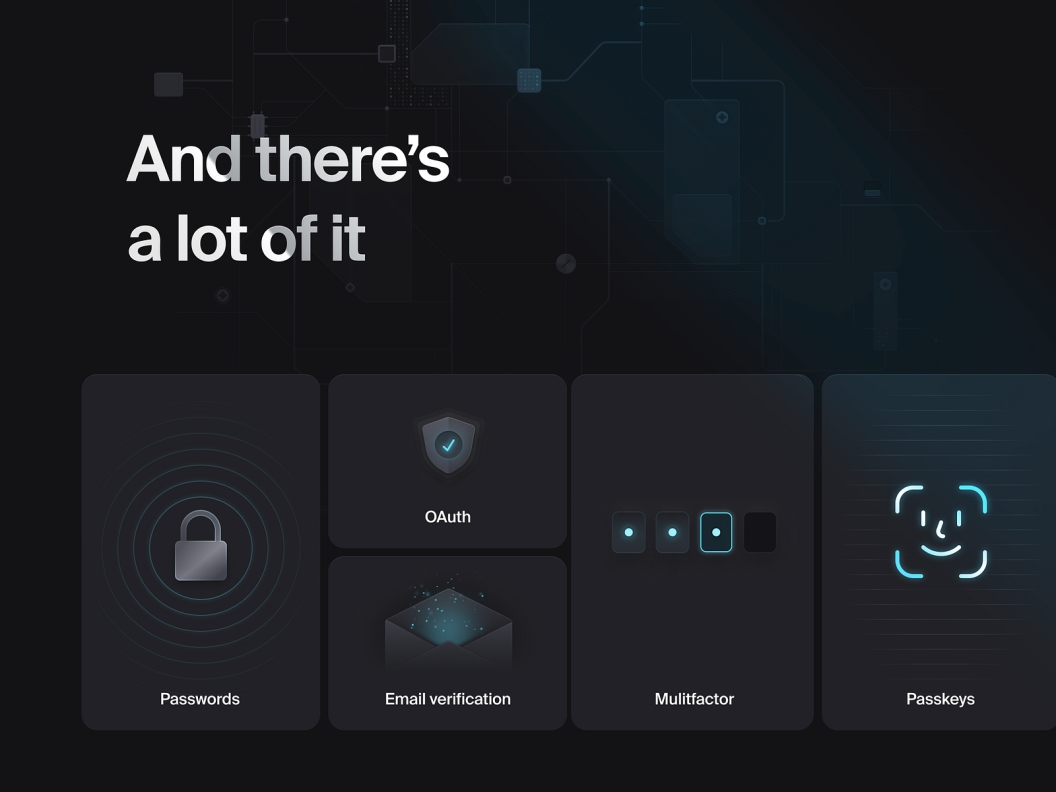
Authentication is one of those things that sounds simple until you actually build it. A sign-in form, a sign-up form, maybe a password reset flow. How hard can it be? The answer, as most developers find out the hard way, is very hard. Sessions, tokens, OAuth providers, security edge cases, email verification, SSO — it adds up fast. And that is before you even think about keeping it maintained as your app grows.
That is why more and more developers building on Next.js are reaching for Clerk auth instead of rolling their own. It is a complete authentication solution that handles all of that complexity for you, and it integrates with Next.js in a way that feels natural rather than bolted on.
This post covers what makes Clerk auth worth using, how it works in a real Next.js project, and why it is the right call for most teams.
What Clerk Auth Actually Gives You
Clerk auth is not just a login form. It is a full identity platform that covers everything from basic email and password authentication to OAuth providers, magic links, multi-factor authentication, and SSO. All of it comes pre-built, pre-styled, and ready to drop into your app.
Pre-built UI components
One of the most underrated parts of the library is the UI. Sign-in and sign-up flows come as ready-made components that you can embed directly into your pages. They handle all the states — loading, error, success, MFA prompts — without you writing a single line of form logic.
In Plainform, the sign-in page is as simple as this:
import { SignInForm } from '@/components/user/SignInForm';

export default function SignIn() {
  return (
    <div className="w-[40%] max-xl:w-full h-full pt-20 flex items-center justify-center">
      <SignInForm />
    </div>
  );
}
The SignInForm component wraps Clerk's pre-built UI, which means you get a polished, accessible sign-in experience without building it yourself. The same applies to sign-up, password reset, and SSO callbacks.
OAuth and social login
Clerk supports all the major OAuth providers out of the box — Google, GitHub, Apple, and more. Enabling them is a matter of toggling them on in the Clerk dashboard and adding the relevant API keys. No custom OAuth flows, no callback URL headaches, no token management.
Multi-factor authentication
MFA is included and can be enabled per user or enforced across your entire app. This is the kind of feature that would take weeks to build correctly from scratch, and with Clerk auth it is a configuration option.
How Clerk Auth Works With Next.js
Clerk auth is built with Next.js in mind. It has first-class support for the App Router, server components, middleware, and API routes. The integration feels like it belongs in the framework rather than fighting against it.
Middleware-level route protection
The most important integration point is the middleware. It provides a clerkMiddleware function that runs on every request and gives you access to the current user's session before the page even renders.
In Plainform, the middleware handles two things: redirecting already-signed-in users away from auth pages, and protecting the order route by validating the Stripe session:
import { clerkMiddleware, createRouteMatcher } from '@clerk/nextjs/server';

const isProtectedBySignInStatus = createRouteMatcher([
  '/sign-in(.*)',
  '/sign-up(.*)',
  '/forgot-password(.*)',
  '/sso-callback(.*)',
]);

export default clerkMiddleware(async (auth, req) => {
  const { userId } = await auth();

  if (userId && isProtectedBySignInStatus(req)) {
    const url = req.nextUrl.clone();
    url.pathname = '/';
    return NextResponse.redirect(url);
  }
});
This is clean, readable, and runs at the edge before any page logic executes. If you need to protect routes, add them to a createRouteMatcher and call auth.protect(). That is all it takes.
Server-side auth in components
In server components, you can access the current user directly without any client-side hooks or loading states:
import { auth, currentUser } from '@clerk/nextjs/server';

export default async function ProfilePage() {
  const { userId } = await auth();

  if (!userId) {
    return <div>Please sign in</div>;
  }

  const user = await currentUser();
  return <div>Welcome, {user.firstName}</div>;
}
This is one of the cleanest parts of the integration. Because server components run on the server, you get the user's session synchronously without waterfalls or loading spinners.
API route protection
Protecting API routes follows the same pattern:
import { auth } from '@clerk/nextjs/server';
import { NextResponse } from 'next/server';

export async function GET() {
  const { userId } = await auth();

  if (!userId) {
    return new NextResponse('Unauthorized', { status: 401 });
  }

  return NextResponse.json({ userId });
}
Consistent, predictable, and easy to reason about across your entire codebase.
Why Not Just Use NextAuth?
NextAuth is the other common choice for authentication in Next.js apps, and it is a solid library. But there are a few reasons why Clerk auth is a better fit for most projects.
Less configuration, more functionality
NextAuth requires you to configure providers, set up a database adapter, define session strategies, and handle a lot of edge cases yourself. Clerk auth handles all of that for you. The trade-off is that it is a hosted service rather than a self-hosted library, but for most projects that is a feature, not a limitation.
Better developer experience
The Clerk dashboard gives you a real-time view of your users, their sessions, and their activity. You can manage users, reset passwords, revoke sessions, and configure authentication policies without touching code. This is genuinely useful when you are running a production app and need to handle support requests quickly.
Built-in user management
With NextAuth, user management is your responsibility. You store users in your own database and manage everything yourself. Clerk auth provides a hosted user store with a full API, which means you can get user data, update profiles, and manage permissions without building any of that infrastructure.
The Security Side
Authentication is a security-critical part of any application, and Clerk auth takes that seriously. Sessions are managed with short-lived JWTs, tokens are rotated automatically, and all communication happens over HTTPS. It also handles common attack vectors like credential stuffing and brute force attempts at the infrastructure level, so you do not have to implement rate limiting on your auth endpoints yourself.
For most developers, this is the strongest argument for using Clerk auth over a custom solution. Security is hard to get right, and the cost of getting it wrong is high. Delegating it to a service that specializes in it is the pragmatic choice.
Clerk Auth in Plainform
Plainform uses Clerk auth as its authentication layer, and the integration is fully set up out of the box. Sign-in, sign-up, password reset, SSO callbacks, and middleware-level route protection are all included and configured correctly.
If you are building a SaaS or any web app that needs authentication, starting with Plainform means you never have to think about the auth setup. Clerk auth is already there, already working, and already following best practices. You just add your Clerk API keys to the environment variables and you are done.
Conclusion
Authentication is not the interesting part of building a product. It is the necessary part. Clerk auth makes it as painless as possible by giving you a complete, production-ready auth system that integrates cleanly with Next.js and handles all the complexity you would otherwise have to manage yourself.
If you are starting a new Next.js project, Clerk auth is the right call. And if you want it already set up and ready to go, Plainform has you covered.